
What is Evernote?
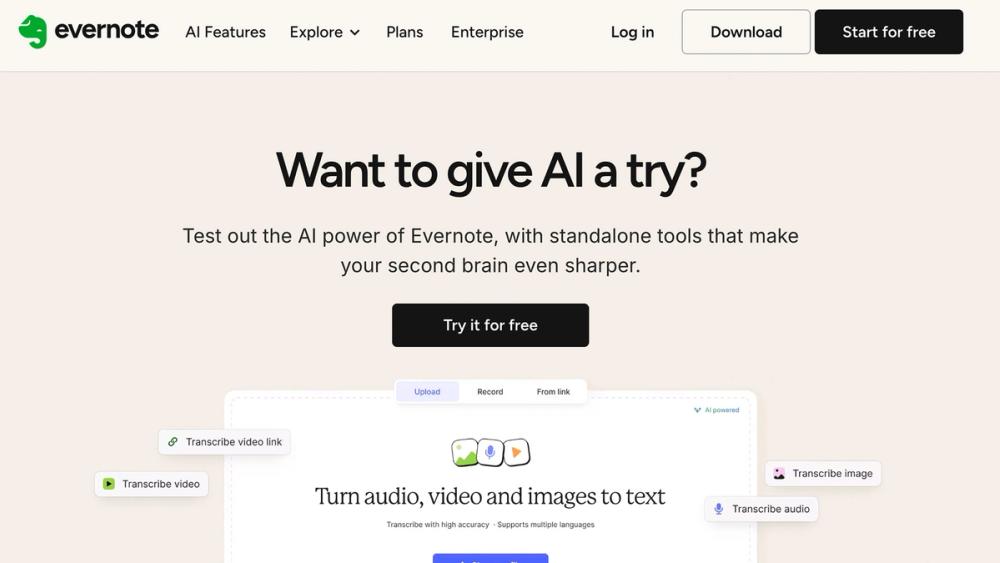
Evernote is a robust, cross-platform application for capturing, organizing, and retrieving information. Acting as a "Second Brain," it centralizes text, images, web clips, audio, and tasks. With AI features like AI Search and AI Edit, Evernote now offers intelligent productivity tools, combining note-taking, task management, and calendar synchronization for streamlined self-organization.
Unique Features
Omni-Channel Information Capture
Supports web clipping, document scanning, audio recording with AI transcription, ensuring no important information is missed.
AI-Powered Search & Recall
Query notes using natural language. Retrieve content even from images, PDFs, or handwritten text to dramatically speed up information retrieval.
AI Smart Editing & Enhancement
Generate summaries, proofread, translate, or refine content directly in notes. Quickly distill meeting minutes or polish reports.
Integrated Task Management System
Add reminders, deadlines, and assignments directly within notes. Sync with Google/Microsoft calendars to turn notes into actionable steps.
Flexible Multi-Level Organization
Organize notes with Notebooks and Tags. Teams version includes Spaces for centralized knowledge sharing and collaboration.
Pricing
Evernote uses a freemium model with four main plans. Annual billing offers a discount compared to monthly payments.
| Plan | Price (Monthly Billed Annually) | Key Features |
|---|---|---|
| Free | $0 | Basic features, limited uploads, single-device sync |
| Personal | $10.83 / month | Higher quotas, unlimited device sync, core AI Search |
| Professional | $14.16 / month | Highest quotas, full AI features (Search & Edit), integrated task management |
| Teams | $20.83 / user / month | Professional features + shared Spaces for team collaboration |
For the latest pricing, visit: Evernote Pricing
Use Cases of Evernote
Students & Researchers
- Centralize lecture notes, scan documents, manage research papers
- Organize knowledge using flexible tags and notebooks
Professionals & Executives
- Record detailed meeting minutes
- Use AI Edit to summarize key decisions and track project tasks
Writers & Creatives
- Store ideas, web clips, and audio recordings
- Manage deadlines with integrated task manager
Team Collaboration
- Share project documentation and meeting notes in Spaces
- Assign follow-up tasks directly within notes for seamless workflow
FAQ
Q: What’s the main difference between Free and Paid plans for organization?
A: Paid plans (Personal and above) offer unlimited device sync and offline access, critical for reliable knowledge management and building a robust Second Brain.
Q: How does the Web Clipper improve productivity?
A: The Web Clipper saves web content with one click, stripping ads and clutter. Captured content can be tagged immediately for easy recall.
Q: How does AI Edit help with task management?
A: AI Edit transforms unstructured content (meeting transcripts, brainstorming notes) into structured tasks, deadlines, or summaries, bridging the gap between ideas and actionable plans.